
The CRM built to run
your real estate sales
NexProp CRM keeps your leads, clients, offers and follow ups in one workspace, so every agent knows the next step and your leadership sees the whole pipeline.
- Demo workspace with sample data
- No card needed
- Set up by our team
- Roles and permissions
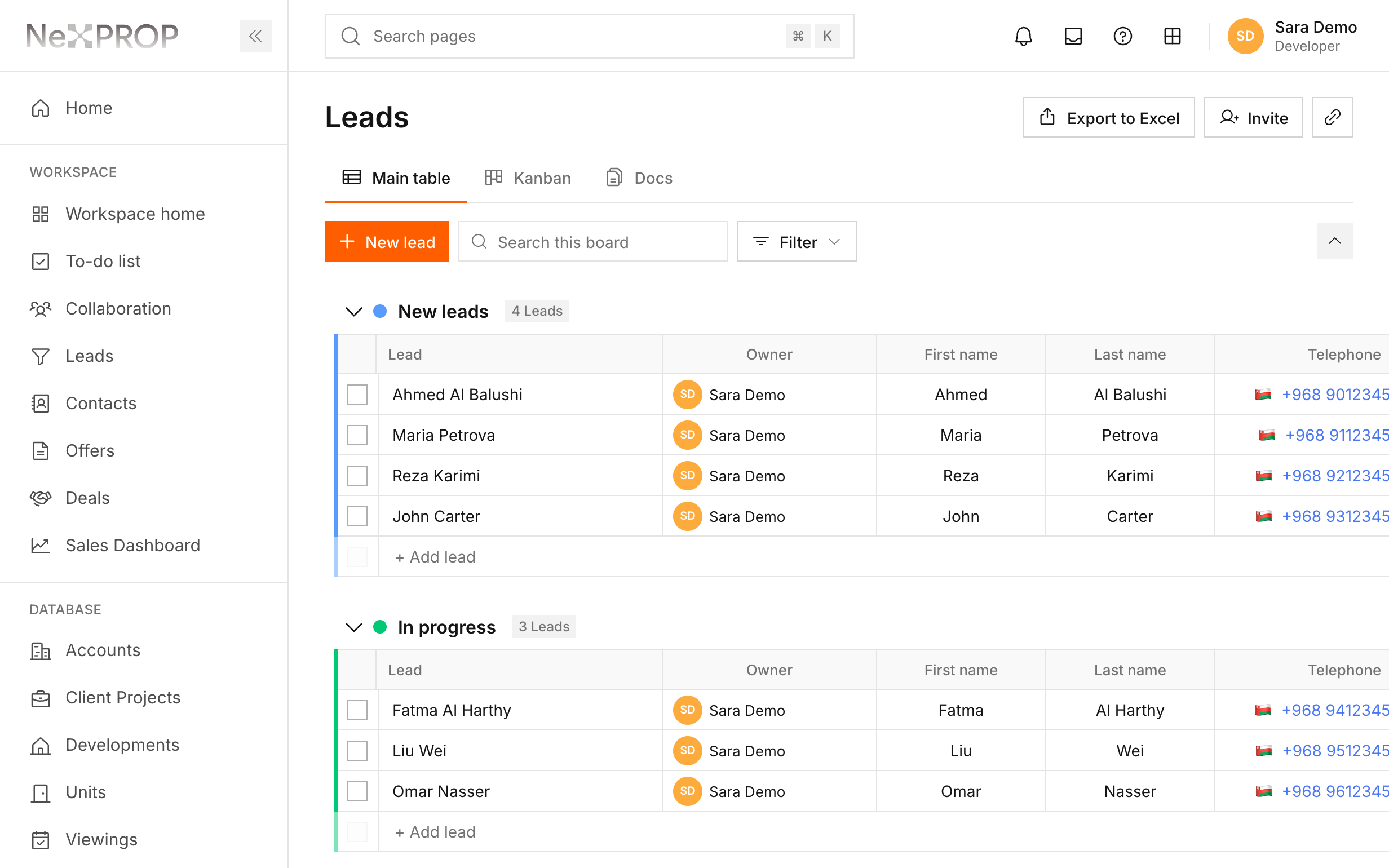
Shown with sample data.
How NexProp CRM works
Enquiries from your campaigns, portals, co-workers and calls flow into one workspace, and leave as follow ups, viewings and offers your team can see.
- 01Enquiries arriveFrom Meta, Google Ads, Dubizzle, your co-workers and your personal network.
- 02One boardEach lead lands with its source, stage and agent, so nobody works from notes.
- 03Next steps on the recordFollow ups, reminders, viewings and offers are set on the client's record.
- 04Deals your team can seeOffers move to acceptance and downpayment, with the whole history kept.
Two parts of the working day, from the first enquiry to the follow up that closes it.
From enquiry to deal
One record from the first call to the downpayment
 Leads arrive from Meta, Google Ads, Dubizzle, co-workers or your personal network, each with its source, status and agent.
- Move a lead into Contacts when the conversation turns real. Every contact gets its own code, like C-0001.
- Offers follow the client through acceptance, reservation and downpayment, with payment plan installments and reservations that expire on time.
Start your demoLead sources
Assigned to your agents
Offer accepted, downpayment next
Follow ups that get done
Reminders, viewings and a team that shares clients fairly
- Set the next follow up on any record. Reminders are checked every minute and reach the agent on time.
- Overdue, today and upcoming tasks sit on each agent's to-do list, with viewings booked on the client's record.
- When two agents meet the same client, a collaboration request agrees the commission split and an admin approves it.
Start your demoNext follow up
Collaboration approved
To-do list up to date
Features
Keep the details of each opportunity together, so your team can pick up the next conversation with context.
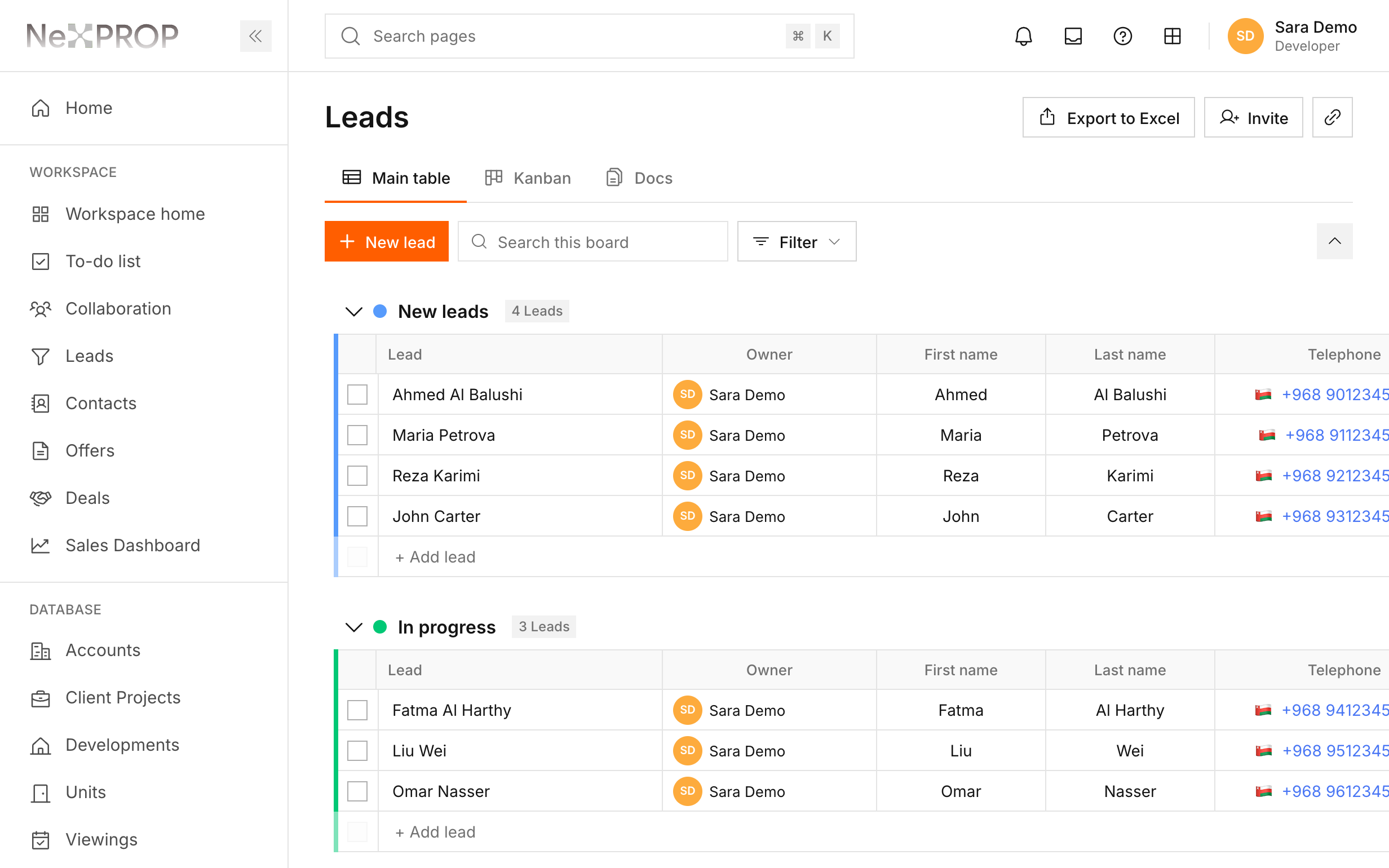
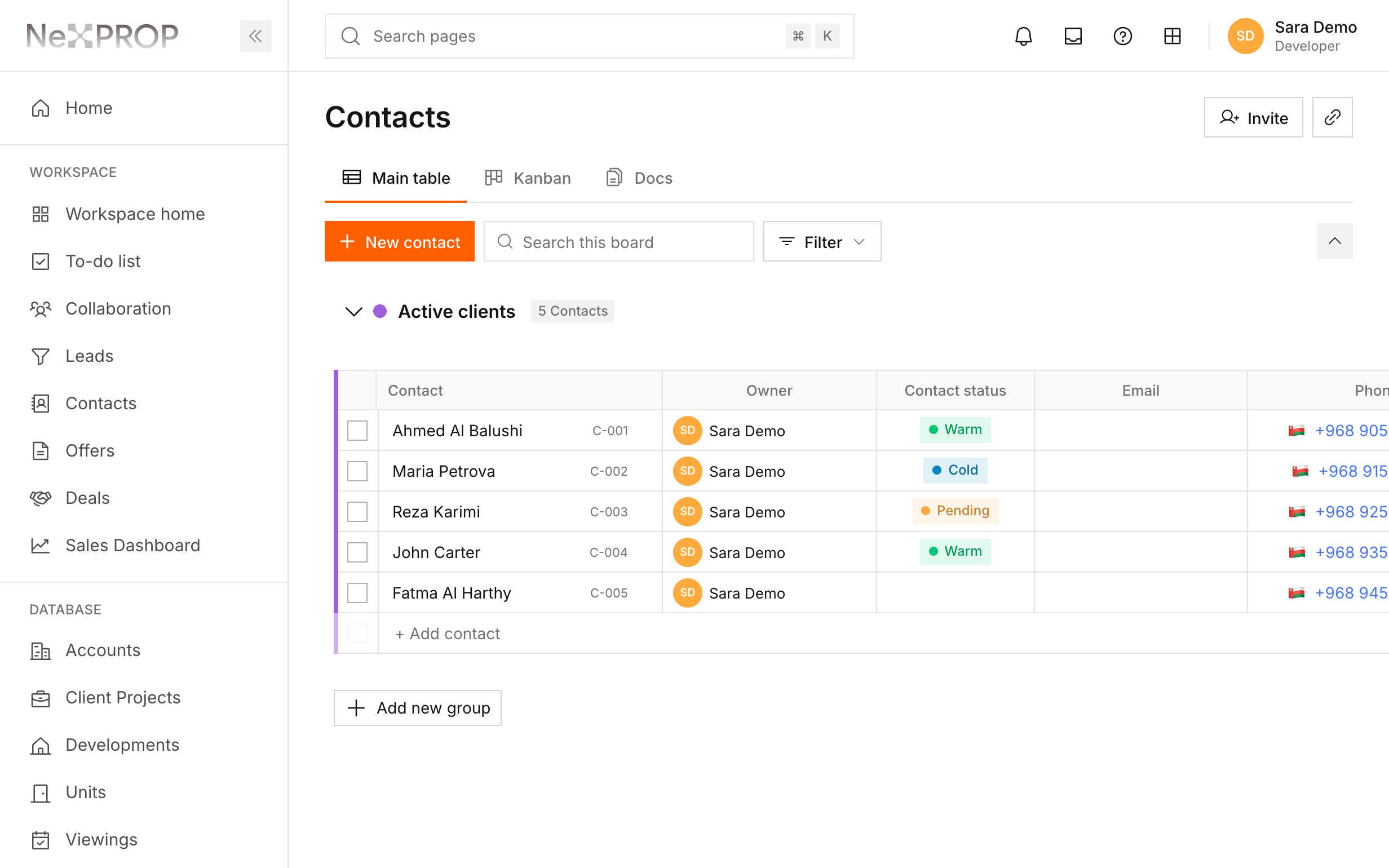
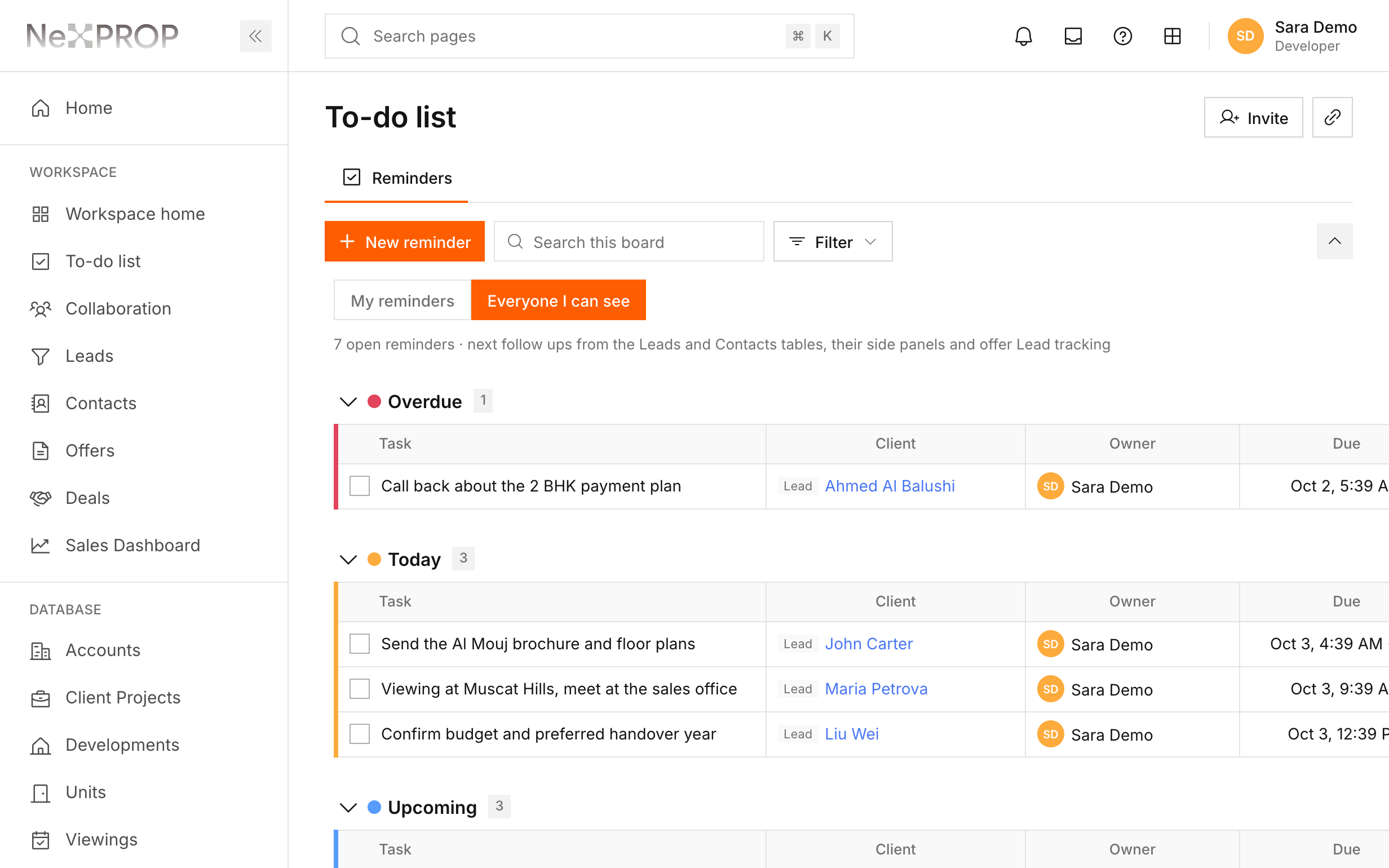
Screens shown with sample data.
- Leads and clientsOrganise enquiries by stage, source and owner. Move a lead into Contacts when the conversation progresses.
- Follow ups and historyRecord the conversation, set the next follow up and work through overdue, today and upcoming tasks.
- Offers and dealsKeep offers linked to the client and track progress through acceptance and downpayment.
- Property informationKeep developers, projects and units close to the sales conversation, with client documents on the contact record.
- Team collaborationHandle duplicate client enquiries with collaboration requests, agreed commission shares and admin approval.
- Business oversightUse the dashboard to review sales activity. CEO and Developer roles can access detailed lead reports and Excel exports.
See NexProp CRM with your own team
Tell us about your company and we open a demo workspace with sample data for you.